Max for Live device / Ableton Live 12
Isolate the vocal, out of anything.
US$23Available on isovocal.com
Get it on isovocal.com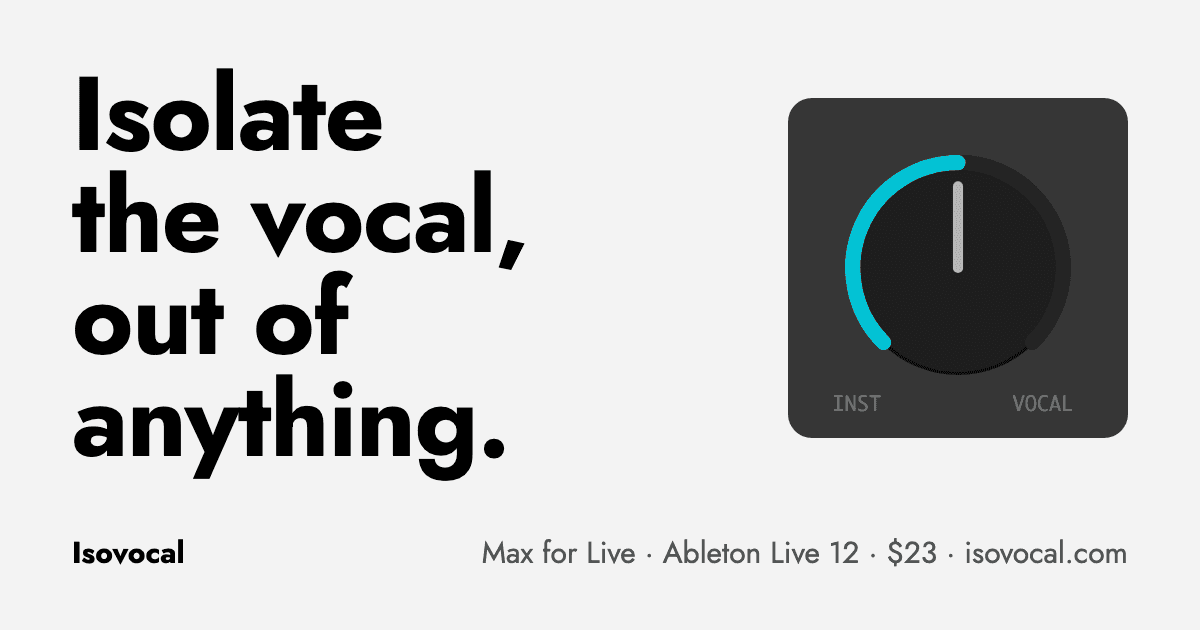
Isovocal was built for Drop Frame's own live sets: a way to pull the vocal out of the track that is playing and lay it over the next one, or drop a track to its instrumental, without bouncing stems or adding tracks. Your clip stays a clip.
Drop it on an audio track, launch a warped Session clip and press Process. The song is separated once, at home, on your Mac: on Apple Silicon the GPU does it in about twenty seconds. It is cached from then on, so on stage the device only reads from that cache and costs next to no CPU.
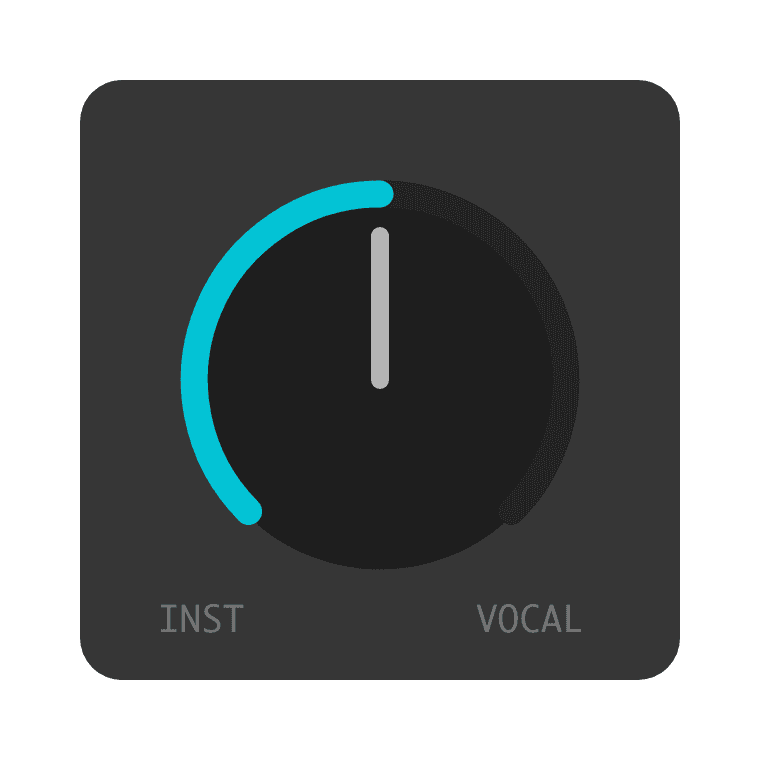
Then one dial does the work. Left is the instrumental, the middle is the original track and right is the bare vocal, and every point between is usable. Map it to a controller like any Live parameter.
It reads the clip's warp markers, tempo and transpose through the Live API, so the vocal stays locked to what Live is actually playing, loops and tempo changes included. It never writes anything back: your clips and your project stay exactly as they were.
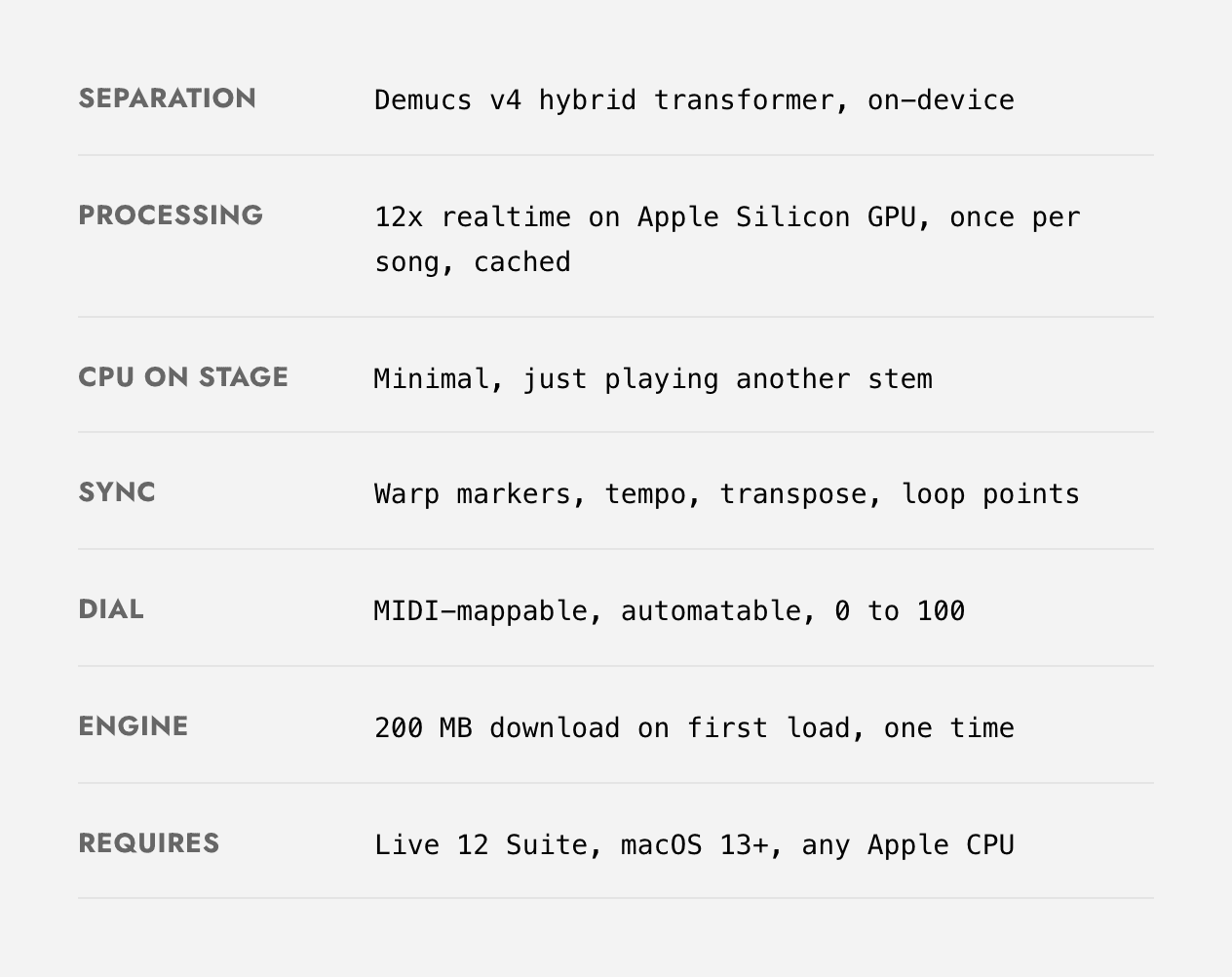
- Format
- Max for Live audio effect
- Requires
- Ableton Live 12 Suite, macOS 13 or newer, Apple Silicon or Intel
- Separation
- Demucs v4, on your own Mac
- Processing
- About twenty seconds a track on Apple Silicon, once, then cached
- On stage
- Next to no CPU: it plays from the cache
- Sync
- Warp markers, tempo, transpose and loop points
A closer look
From isovocal.com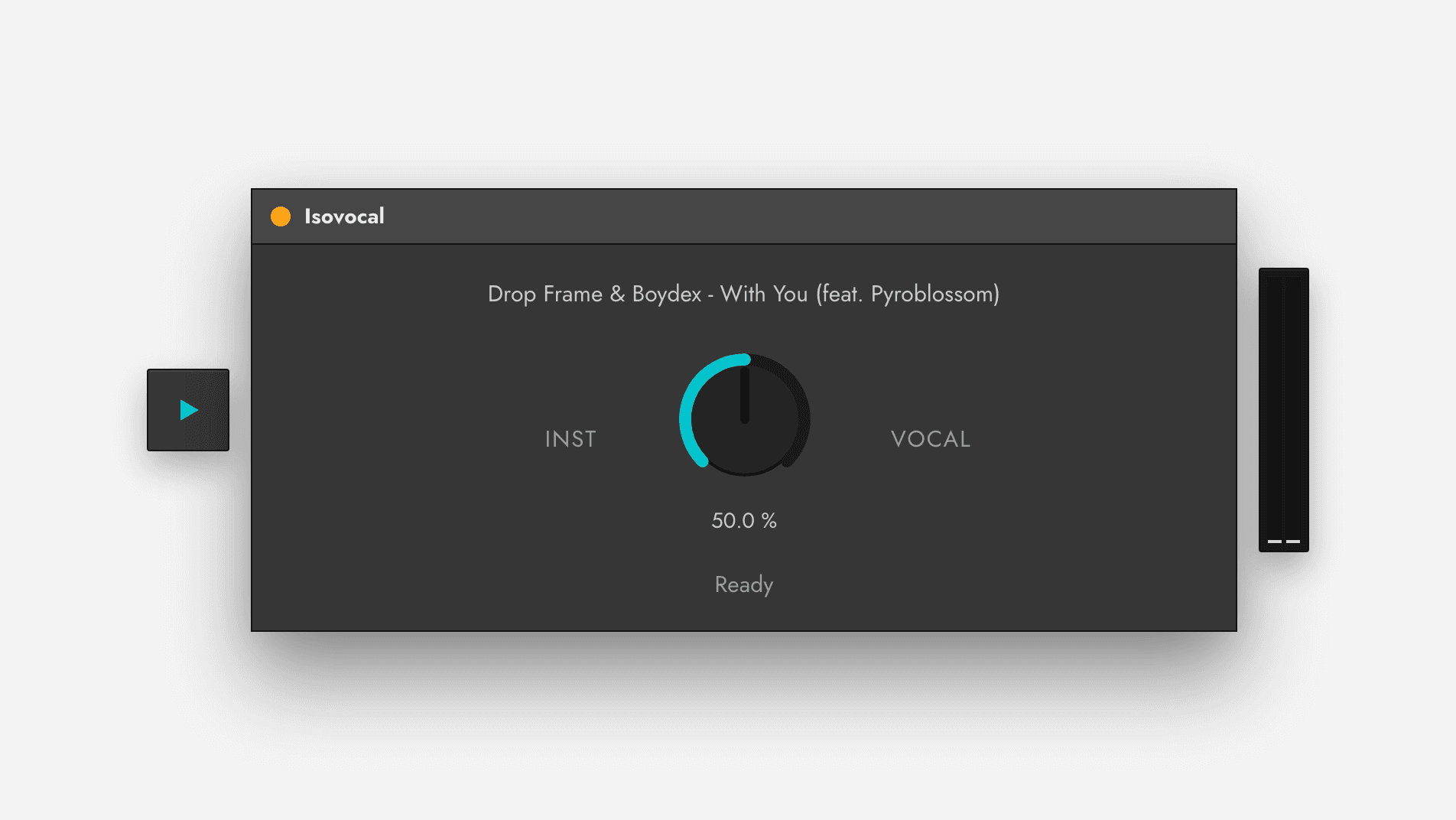
How it works
01
Drop it on a track
Isovocal sits on an audio track like any Live device.
02
Press Process
Launch a warped Session clip and press Process. The song is separated once and cached.
03
Turn the dial
Instrumental to original to vocal, in time, at matched level. MIDI-map it and play.
Available on isovocal.com
Isovocal. US$23.
Bought and downloaded on isovocal.com, where checkout, downloads and updates live.